
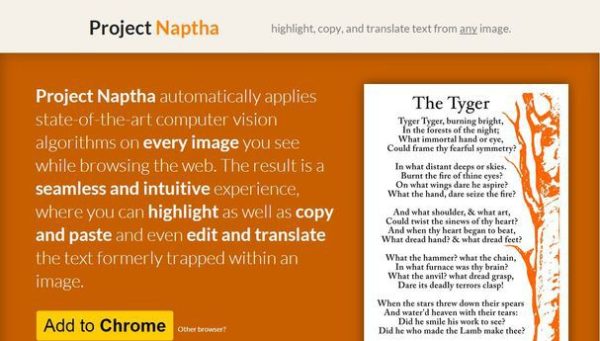
Sometimes you need to copy a text from an image on a webpage in simple way. If you use Chrome then now there is an easy solution: just install free Chrome browser extension called Project Naptha that. Just download Natpha in the Google Chrome Web Store and install it like any other extension.After that just hover your cursor over image and select desired text.
You have a variety of options for the text:
- copy text;
- translate selected text;
- erase text.
Well, plugin is in development so there are some bugs and limitations of what you can do with it. But it with time it will get more functions and probably will be available on Firefox, too.